

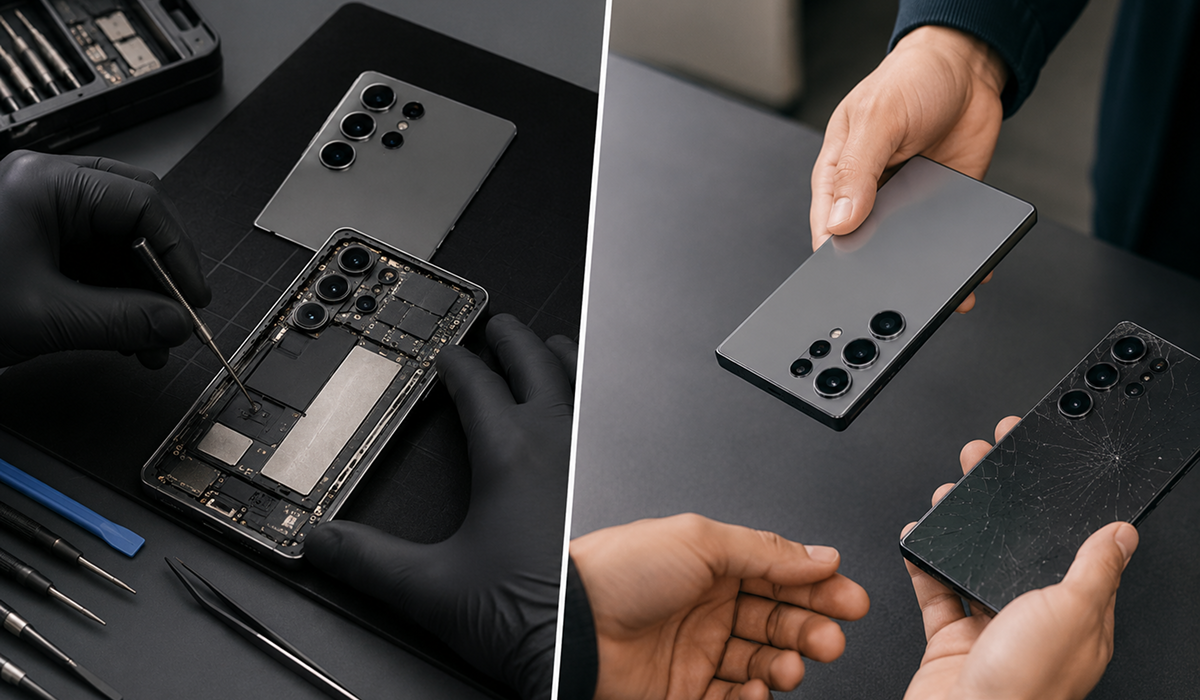
Your Samsung just took a hit, dropped face-down on concrete, or worse, pulled dripping out of a sink. Now you’re staring at a cracked display or a phone that won’t turn on, and one question is running through your head: do I fix this or buy a new one?
That question costs Canadians hundreds of dollars every year when they answer it wrong. People replace phones that were absolutely fixable. People also spend money repairing phones that should have been let go. This guide cuts through both mistakes.
Whether you’re in Whitby, Lindsay, or anywhere else in Ontario, this is the Samsung repair guide that actually gives you a decision framework, not vague advice.
The 50% Rule: When Repair Wins, When It Doesn’t
The most reliable framework for the repair-vs-replace decision is simple: if fixing your Samsung costs less than 50% of what a new phone would cost, repair is usually the smarter choice, especially for newer models. If the repair cost exceeds 50% of your phone’s current value, replacement starts making more sense, particularly if your device is older or has multiple issues.
Water damage repair costs are less predictable: minor damage might run $100 to $200, but if key components like the motherboard are affected, the cost can rise to $500 or more. This is exactly why a diagnostic assessment before committing to any repair is non-negotiable with water-damaged Samsung phones.
Samsung Water Damage: What Happens Inside Your Phone and Why Speed Matters
Most people treat a water-damaged Samsung phone the wrong way in the first hour, and that first hour determines whether the phone survives.
The first steps matter more than most people realize.
The moment your Samsung hits water, do these things immediately:
- Turn it off. Do not try to check if it still works. Powering on a wet phone pushes current through wet components and accelerates exactly the short-circuit damage you’re trying to avoid.
- Remove the SIM card tray. The SIM tray on Samsung devices is usually accessible via an eject tool. Get that card out and set it somewhere dry.
- Do not use a hairdryer. Heat forces moisture deeper into the device and can damage internal adhesives and components. Do not put it in rice, rice is ineffective and the starch particles can clog ports.
- Set the phone on a clean, dry surface with the charging port facing down so gravity works for you. Let surface moisture drain.
- Get it to a professional within 24 hours. The faster you act, the better the outcome for Samsung phone water damage repair. Corrosion that sets over 48–72 hours causes damage that no technician can reverse.
What a proper water damage repair involves:
At Majestik Communications in Whitby and Lindsay, water damage assessments start with a free diagnostic. Bring your water-damaged Samsung in immediately, we’ll tell you exactly what you’re dealing with before any repair work begins, with no pressure to proceed.
Samsung Screen Repair: What You’re Actually Paying For
Samsung builds some of the best displays in the smartphone industry. The Galaxy S and Z series use Dynamic AMOLED panels with high refresh rates that deliver genuinely excellent colour and clarity. They are also expensive to replace, and that cost difference is real, not arbitrary.
Here’s what drives Samsung screen repair pricing:
Glass only vs. full display assembly: Some technicians can separate and replace just the outer glass on certain Samsung models, which is cheaper. Most repairs, however, replace the entire display assembly: glass, touch digitizer, and AMOLED panel together.
OEM vs. aftermarket parts: OEM-quality parts match Samsung’s original specifications for brightness, colour accuracy, and touch sensitivity. Cheap aftermarket screens look washed out, have poor touch response, and often fail within months. Majestik avoids low-quality replacements that fail after a few weeks, using genuine and OEM-quality parts on every Samsung screen repair.
Model-specific complexity: A Galaxy A-series screen repair costs considerably less than an S-series or Z Fold repair. The Z Fold and Z Flip inner display is a unique foldable AMOLED panel that requires specialized handling and parts. Don’t assume prices are the same across Samsung’s lineup.
Warranty on the repair: A screen repair without a warranty is a gamble. If a new display develops issues from a defective part, you need coverage. At Majestik, every Samsung repair is backed by a warranty on both parts and labour.
Battery Replacement vs. New Phone: The Math Most People Get Wrong
Battery degradation is slow and invisible, which is why people tolerate it for months before doing anything. Your Galaxy S20 that used to last all day now dies by 3 PM. You carry a charger everywhere. You’re used to it. But you’ve also been paying that tax on your productivity every single day for months.
Samsung phone batteries are rated for roughly 500 full charge cycles before notable degradation. For most users, that’s two to three years of heavy use before capacity drops meaningfully. After that, you’re running at 70–80% of original capacity, and it shows.
A Samsung battery replacement at a reputable shop in Whitby and Lindsay, Ontario runs significantly less than the cost of even the cheapest new Galaxy device. The repair takes under an hour in most cases. Majestik replaces Samsung batteries the same day with quality cells built to last, and quotes the cost upfront before touching the phone.
Signs Your Samsung is Worth Repairing
Consider repairing your phone if most of the following apply:
- Your phone is less than four years old.
- The device still receives software or security updates.
- The damage is limited to a single component, such as:
- Screen
- Battery
- Charging port
- The phone runs apps and daily tasks smoothly.
- There are no major performance issues or multiple hardware failures.
- The repair cost is significantly lower than replacing the device.
- The phone contains important data that has not been backed up.
- The rest of the device is in good working condition.
In many cases, repairing a phone with a single hardware issue can extend its usable life and delay the need for a replacement.
Signs You Should Replace Instead of Repair
Consider replacing your phone if one or more of the following apply:
- The device is more than five years old.
- It no longer receives software or security updates.
- Multiple components are failing at the same time, such as:
- Cracked screen
- Weak battery
- Faulty charging port
- Repair costs are close to the phone’s current value.
- The motherboard has significant damage.
- The phone struggles with everyday tasks and app performance.
- Hardware limitations affect your daily use.
- You need features that your current device cannot support.
- A newer device is available at a price that fits your budget.
- A trade-in offer or promotion significantly reduces the cost of upgrading.
When repair costs continue to add up or performance no longer meets your needs, replacing the device may provide better long-term value.
How Majestik Communications Handles Samsung Repairs in Whitby and Lindsay
Majestik Communications operates two locations in Ontario, Whitby and Lindsay, and specifically serves the communities across Durham Region and the Kawartha Lakes area where finding a trustworthy, local Samsung repair service isn’t always straightforward.
Our certified technicians are trained to repair all Samsung Galaxy models, from screen replacements and battery issues to charging ports and water damage. Every repair is handled with precision using genuine and OEM-quality parts, and every Samsung repair is backed by a warranty on both parts and labour.
What separates Majestik from generic repair shops is the diagnostic approach. For water damage specifically, we start with a free diagnostic so you know exactly what you’re dealing with before any work begins. Pricing is always clear and shared upfront, no surprises. Walk-ins are always welcome, and most repairs are completed the same day without needing an appointment.
Visit majestik.ca or stop into either location for a free estimate on your Samsung device.
FAQs
Q: My Samsung Galaxy fell in water – what should I do right now?
Turn it off immediately and do not attempt to charge it or turn it back on. Remove the SIM card. Set it face-down or with the port facing downward on a dry surface. Do not use a hairdryer or put it in rice. Bring it to Majestik Communications in Whitby or Lindsay as soon as possible, the sooner a technician opens and cleans the device, the better your chances of full recovery.
Q: Is Samsung water damage covered under warranty in Canada?
No. Standard Samsung warranty in Canada covers manufacturing defects, not accidental damage including water exposure. This applies even to IP68-rated devices. Samsung Care+ covers accidental damage with a deductible, but only if you enrolled within 60 days of purchase. If you don’t have Samsung Care+, a third-party repair shop like Majestik is your most cost-effective option.
Q: How much does Samsung screen repair cost in Ontario?
Samsung screen repairs in Canada generally range from $300 to $600 at authorized service centres depending on the model. Independent shops with OEM-quality parts can often handle the same repair at a lower price point. Majestik Communications offers free estimates before any work begins, so you know the exact cost for your specific Samsung model before committing.
Q: How long does a Samsung repair take at Majestik in Lindsay or Whitby?
Most repairs, including screen replacements and battery replacements, are completed the same day. Walk-ins are welcome at both the Whitby and Lindsay locations, and no appointment is needed for most common Samsung repairs.
Q: Can a water-damaged Samsung be fully recovered?
It depends on how quickly you act and which components were affected. Phones with minor water exposure that are brought in immediately have strong recovery rates. Phones that sat wet for 24–48 hours or were powered on while wet often have corroded logic board damage that complicates recovery. The free diagnostic at Majestik will tell you the honest picture before you spend anything.